Poker Blinds Tracker
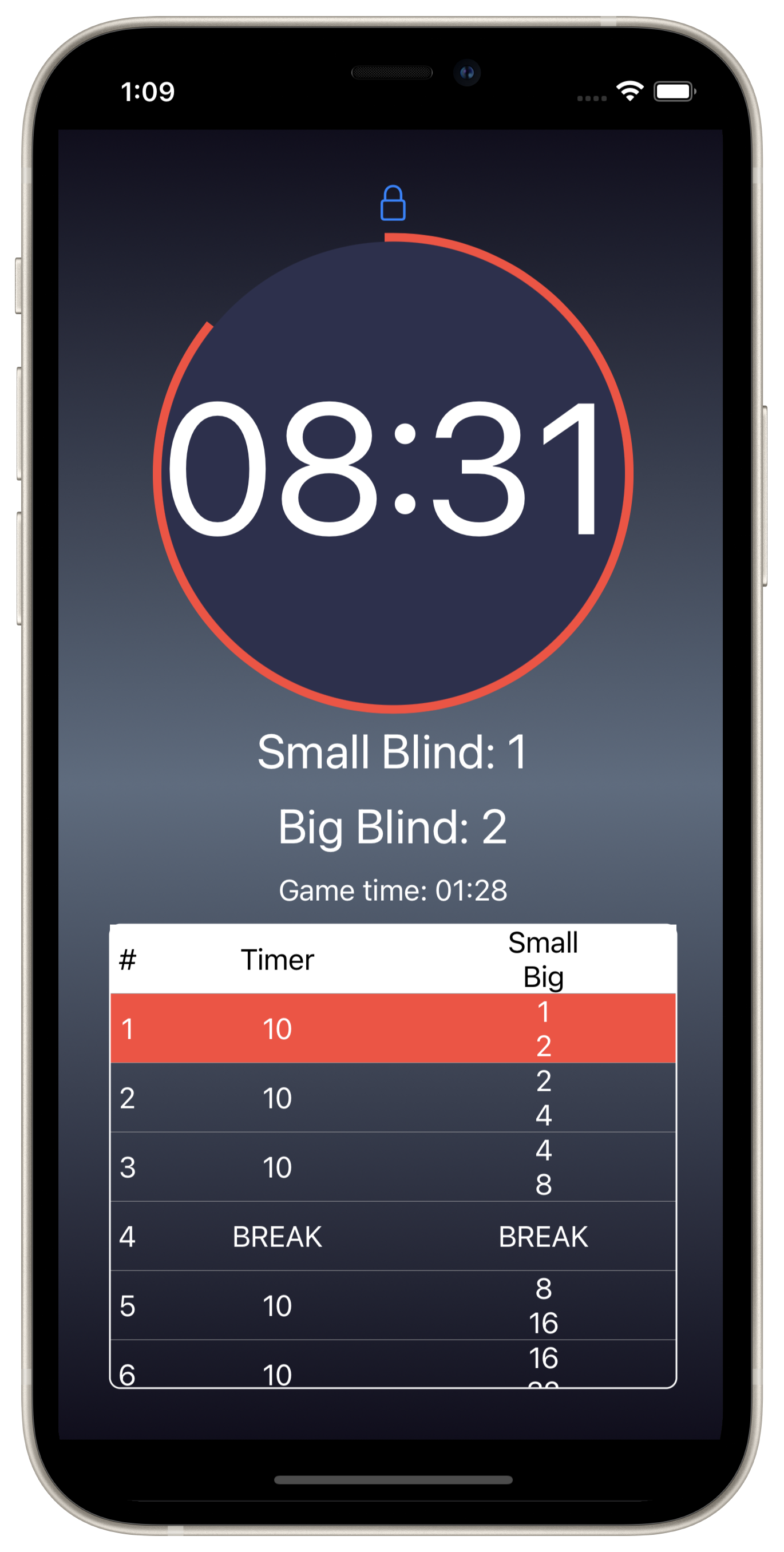
A simple app for running small poker games
Poker blinds tracker is the easiest way to keep track of the poker game. Available for iPhone, iPad and MacOS.

Setup your poker game
The poker game is made up of one or more rounds. Each round will run for a defined amount of time and blind amounts, at the end of the around it will sound a notification and move on to the next.
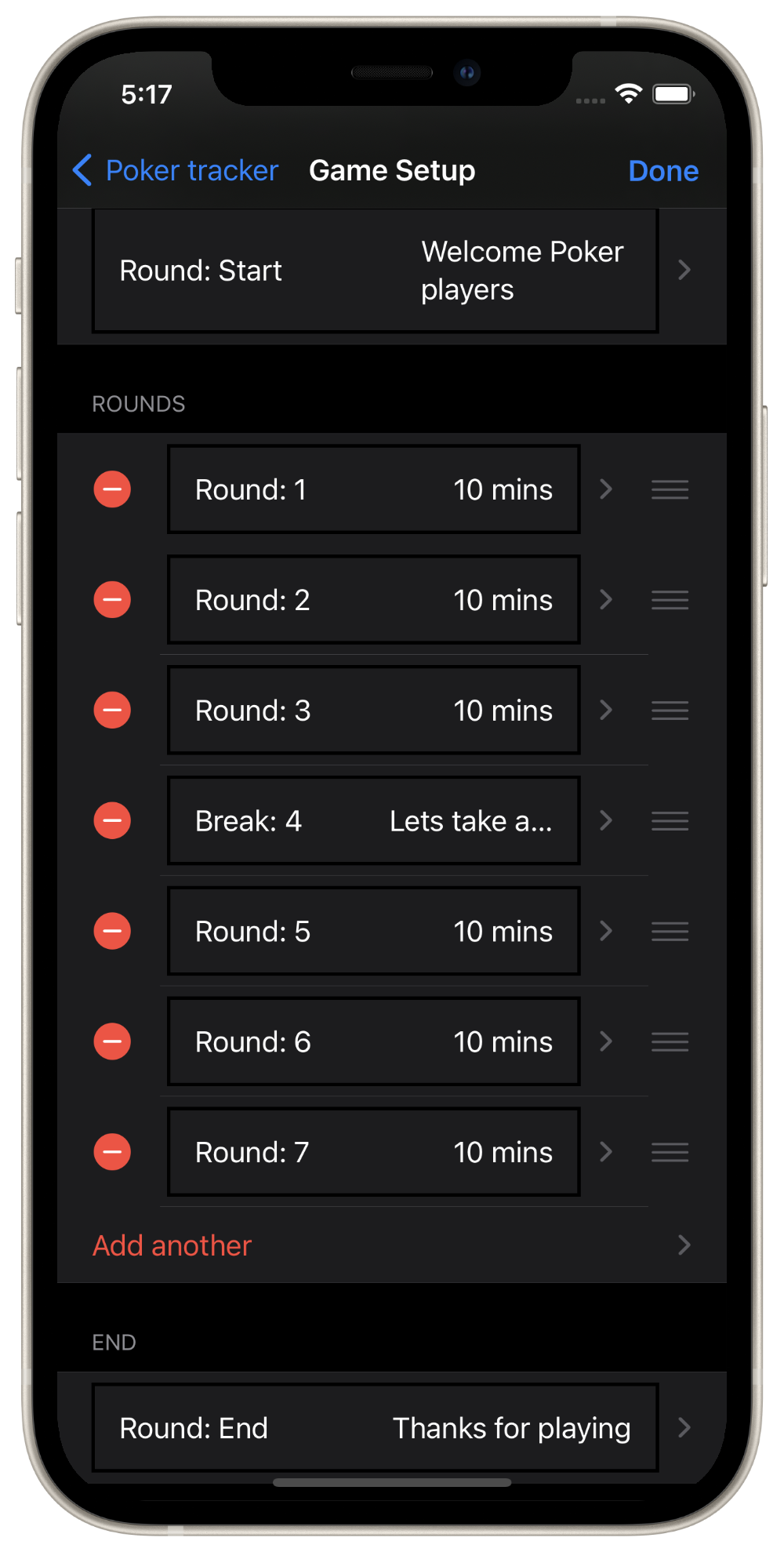
You can also add breaks in the game, use these to pause the game at the end of a round. It will wait until 'next round' is clicked before moving to the next round.
Not happy with your setup?
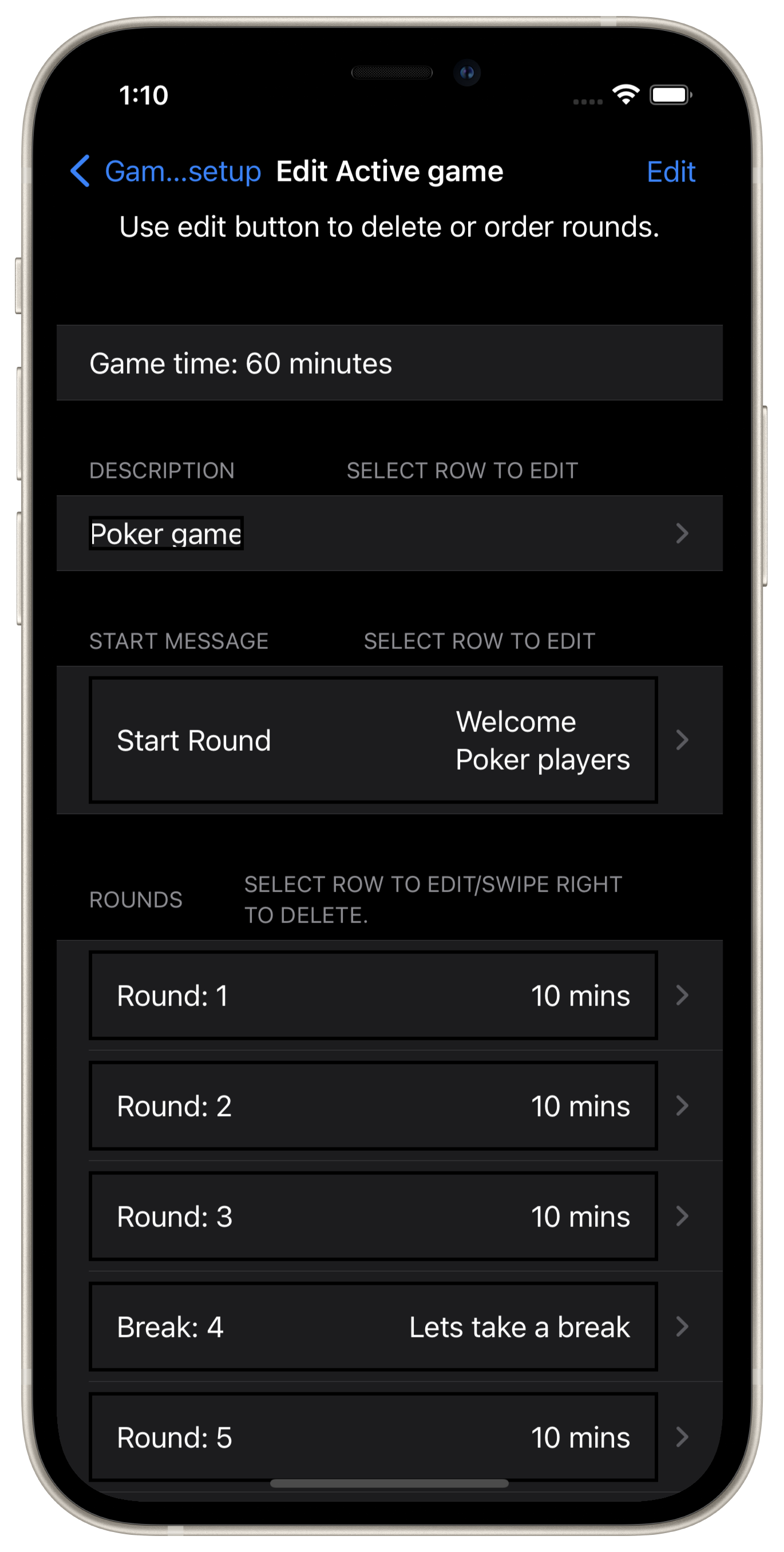
Tap the top left edit button to re-order and delete rounds, add new rounds and adjust the timing and or blinds and ante until you have the poker game setup just right.
Store multiple setups
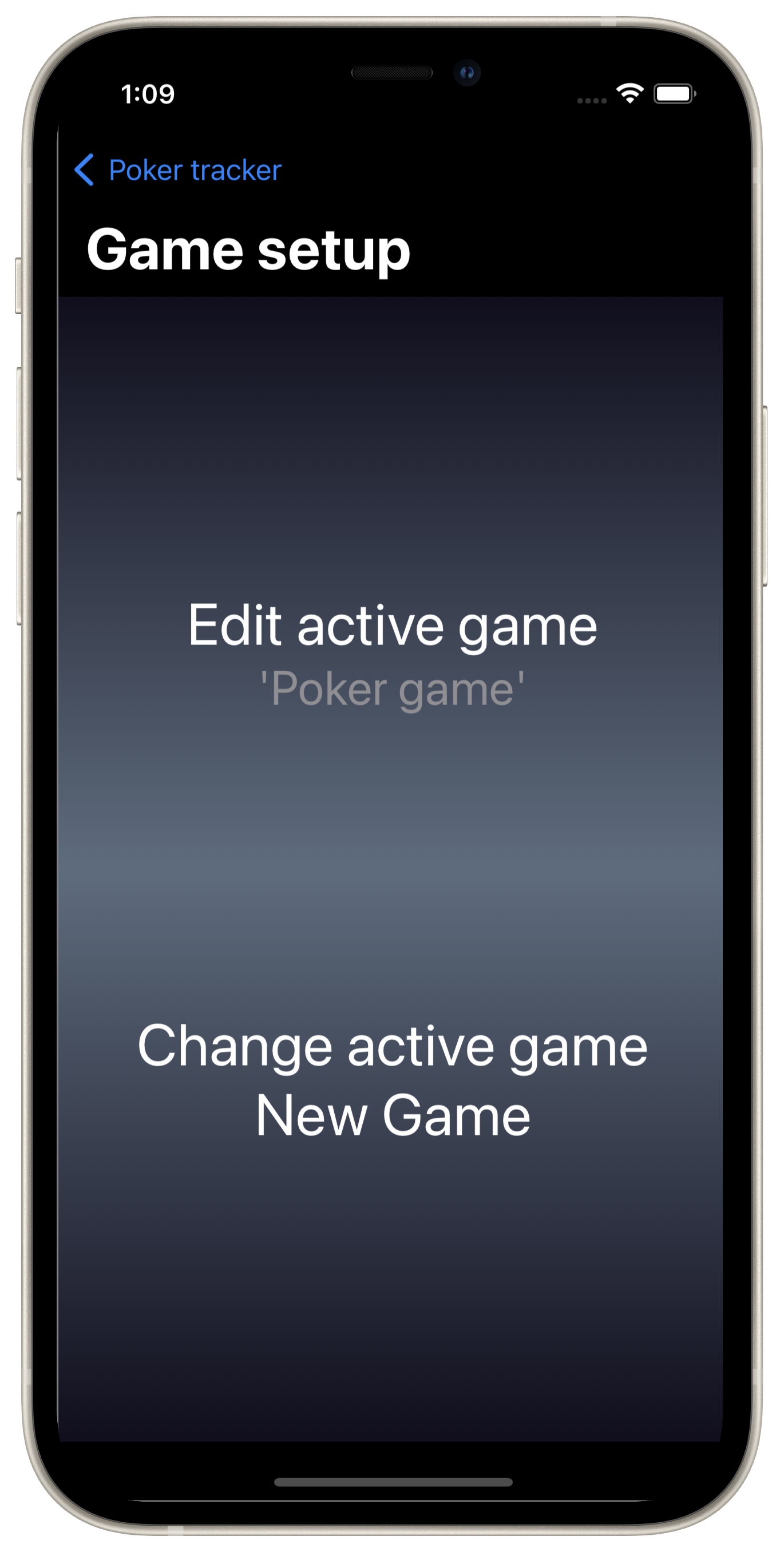
The app can store many different poker game setups which one can be selected and made the active setup using the Game Setup menu option.
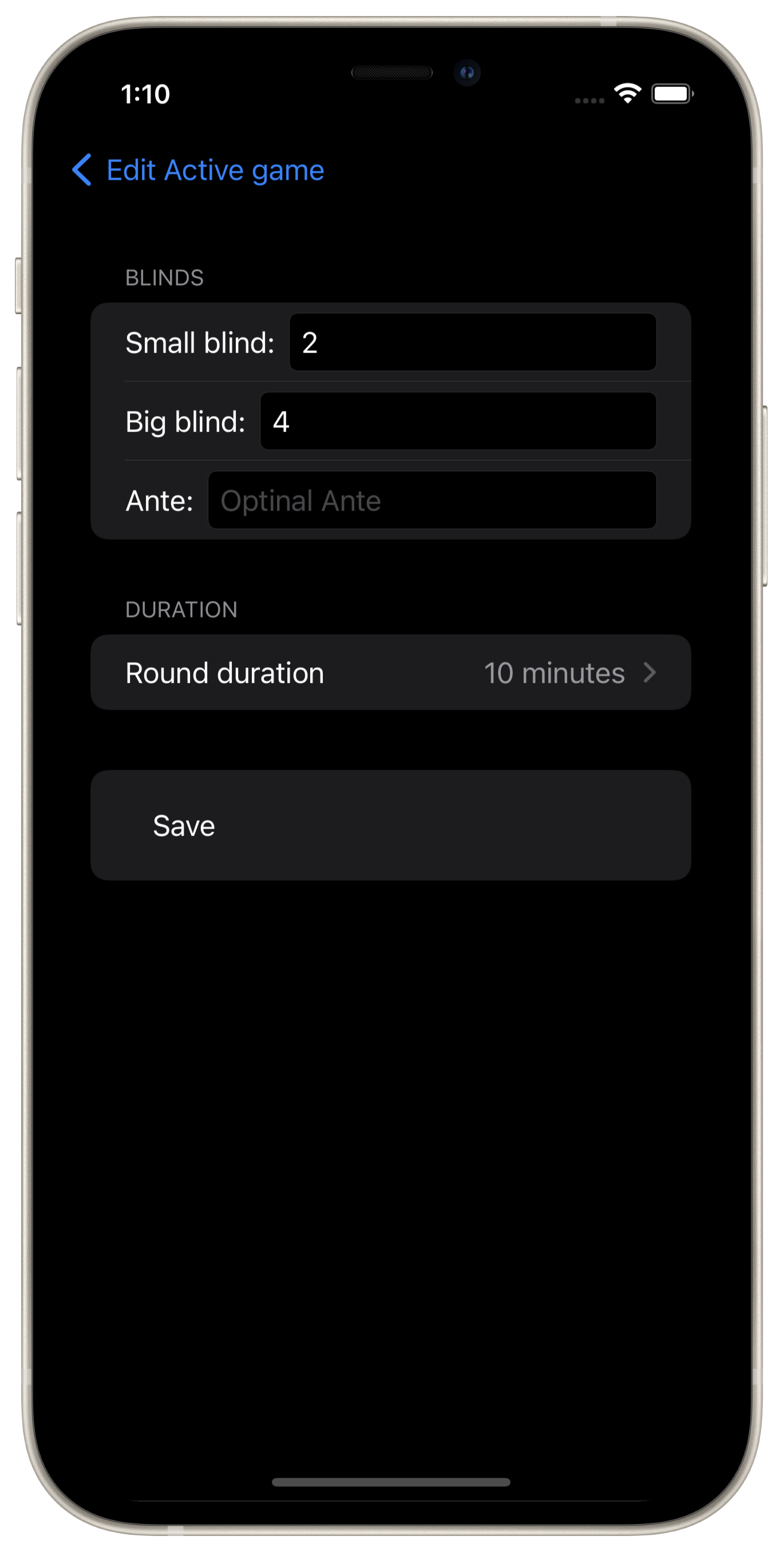
Customisations
Rounds - Small blinds, big blinds, ante and the round's duration
Breaks - You can set a custom message to display while on break between rounds
Start - You can set a custom message to display while waiting to start the poker game
End - You can set a custom message to display once the poker game has finished
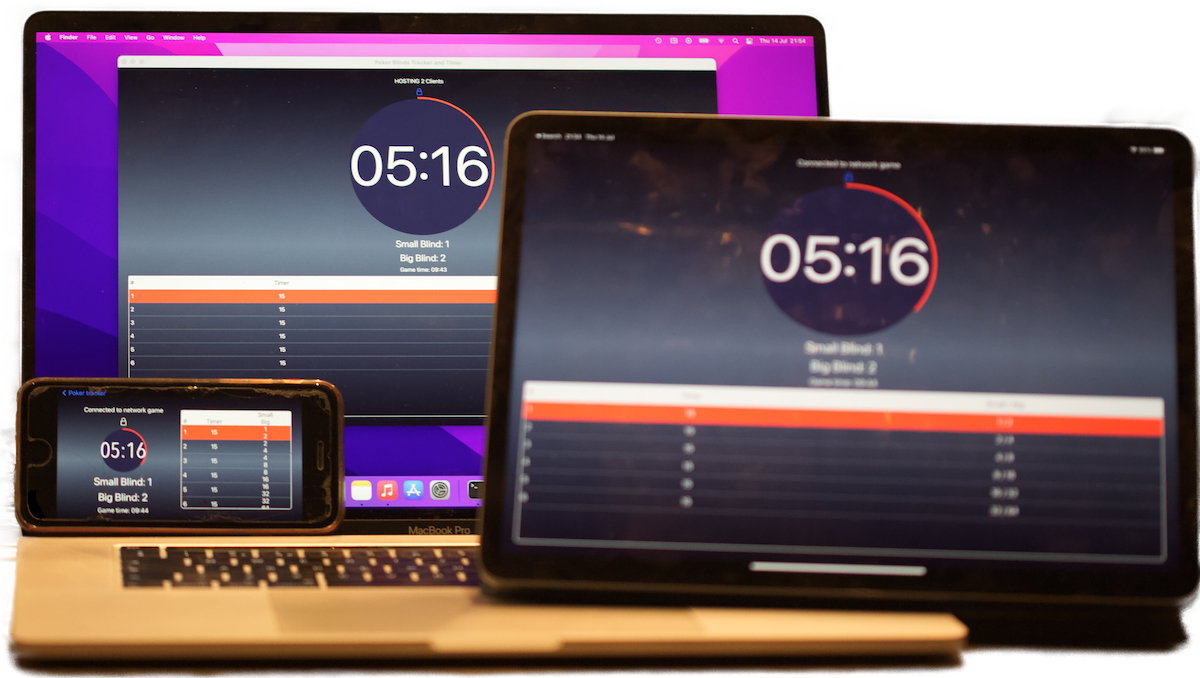
Mirror the game on other devices running Poker Binds Tracker
Use the 'Host network game' menu option to allow other near by devices to mirror the host's poker game. This is usful for when visbility of the poker game state is desirable from different locations in the room. The host's game doesn't use the internet to share it's state, but locally over the wifi router or bluetooth. Other devices can 'Join network game' at any time, even mid game. iPads, iPhones and Macs can connect together in this way.
App Settings
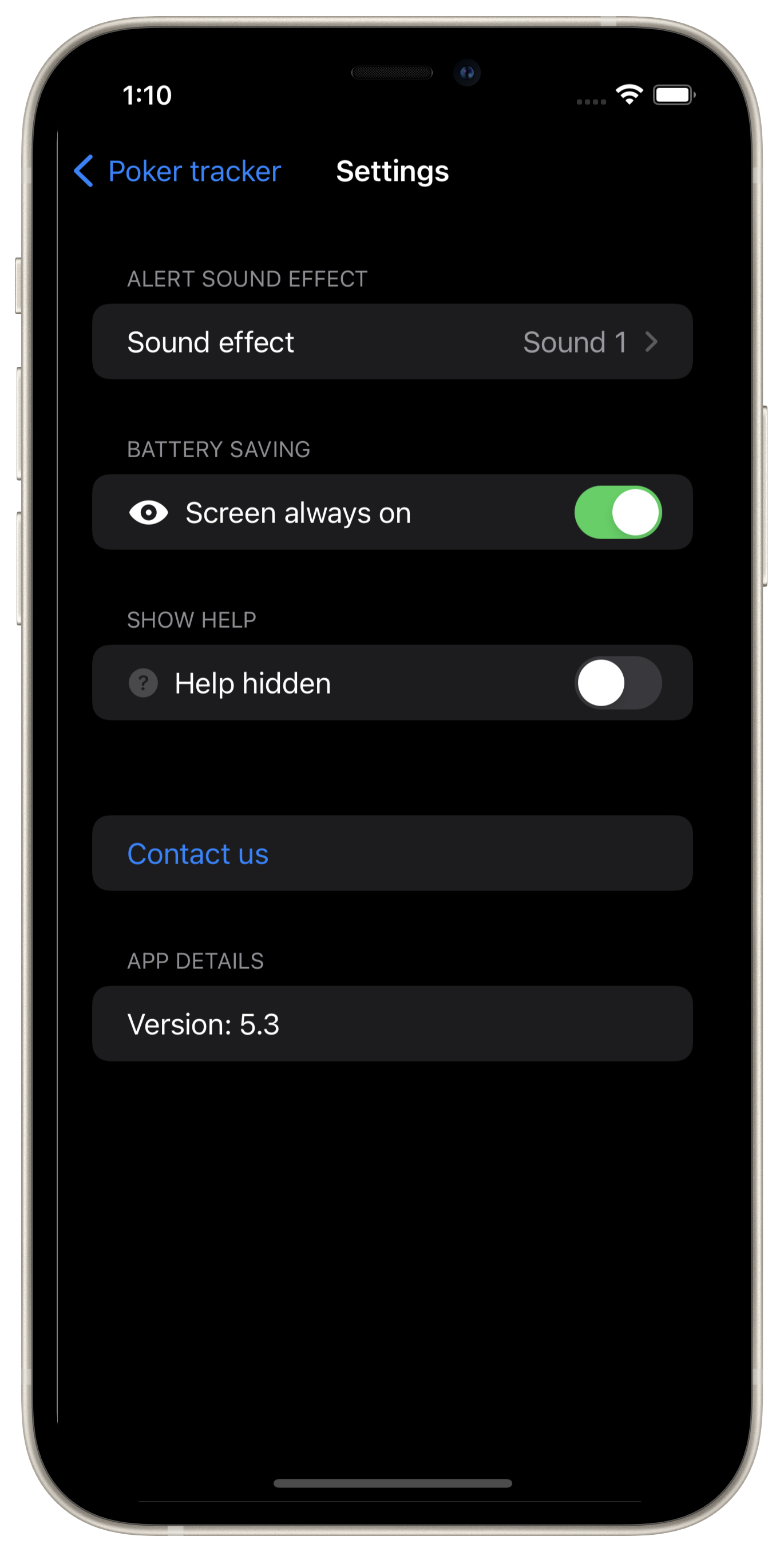
Choose which sound effect to play when the round is over or turn off the feature all together.
By default the screen stays on. Use the battery saving setting to allow your device to sleep. This is not recommended as round changes could be missed.